







Explainer · SwaDharma
Live-stream temple darshan on YouTube and Facebook without a computer or OBS
In this film
- 0:00The morning phone call
- 0:18The old way
- 0:37Four problems
- 1:01A simpler way
- 1:16Three things from the temple
- 1:42Set up once
- 2:00One press to go live
- 2:31How it works
- 2:47Three places at the same moment
- 3:05It comes back by itself
- 3:34Old way and Darshan, side by side
- 4:07See it with your own camera
- 4:21Talk to us
The temple, the people and the messages in the film are illustrative; some screens are simulations.
What does this film cover?
This film explains, in under five minutes, why a live darshan run from an office computer and OBS keeps stopping, and the simpler way with Darshan. The temple gives three things: a good camera, steady internet and the camera link from its CCTV vendor. After that the darshan goes live with one press or on a timetable, on the temple’s page, YouTube and Facebook, and comes back by itself after a cut.
Read more
The same subject, in writing
Do we need a computer or OBS at the temple?
No. Your camera sends its picture straight to our cloud, which means our computers on the internet. All the work happens there. There is no computer to keep on at the temple, no OBS software and no technical person on duty.
What does the temple need to start?
Three things: a good camera, good steady internet, and the camera link from your CCTV vendor. We suggest a PTZ camera, which can turn and zoom. A fibre connection is best, with about 4–6 Mbps of upload for each live camera. More viewers do not use more of your internet, because the camera sends only one feed to us. A battery backup (UPS) for the camera and router is good to have.
What happens in a power cut or when the internet goes off?
The darshan comes back by itself. Darshan checks every live darshan every 15 seconds and starts it again when the camera can be reached. Devotees on your temple’s page see “Waiting for camera…” and the darshan returns without anyone touching the screen. If it cannot fix itself, for example after a changed camera password, your team gets an email.
Is there a free trial?
Yes. There is a 14-day free trial on one camera. Register your temple and our team activates it, or book a demo to see your own camera live.
More films
Watch next
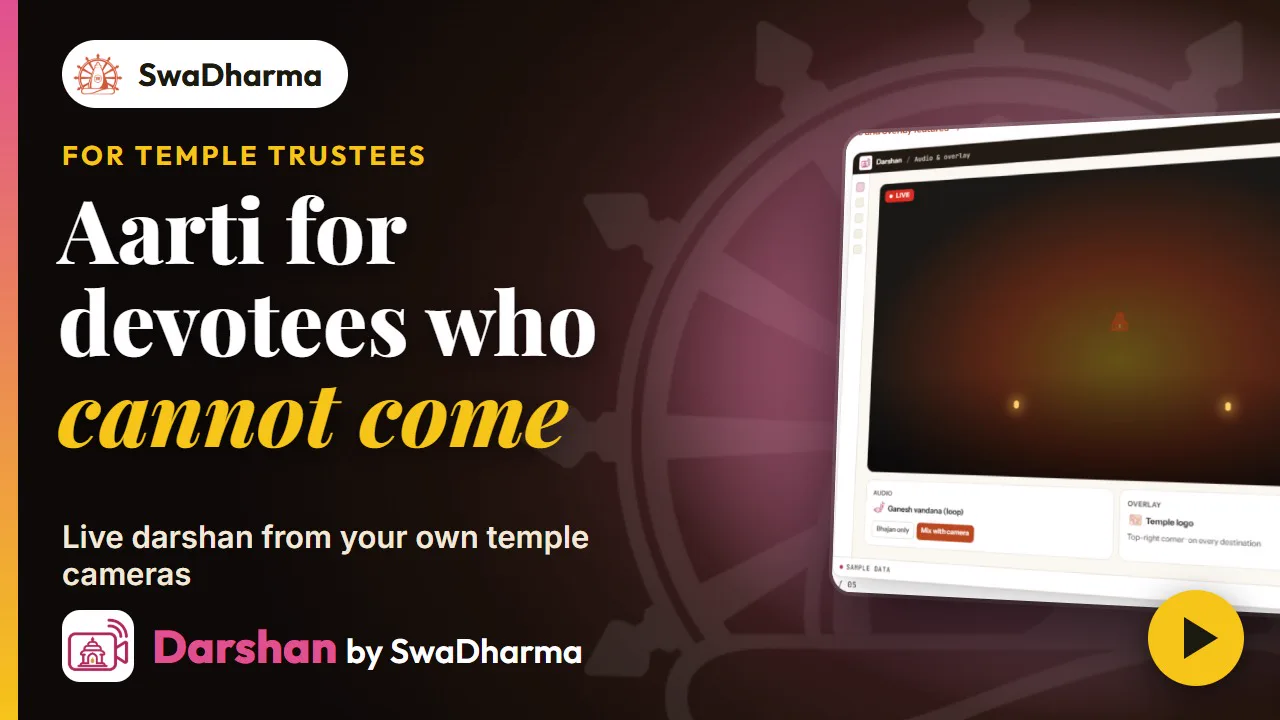
Darshan: daily aarti from your CCTV
Your own cameras live on your page, YouTube and Facebook, with the aarti starting by itself.
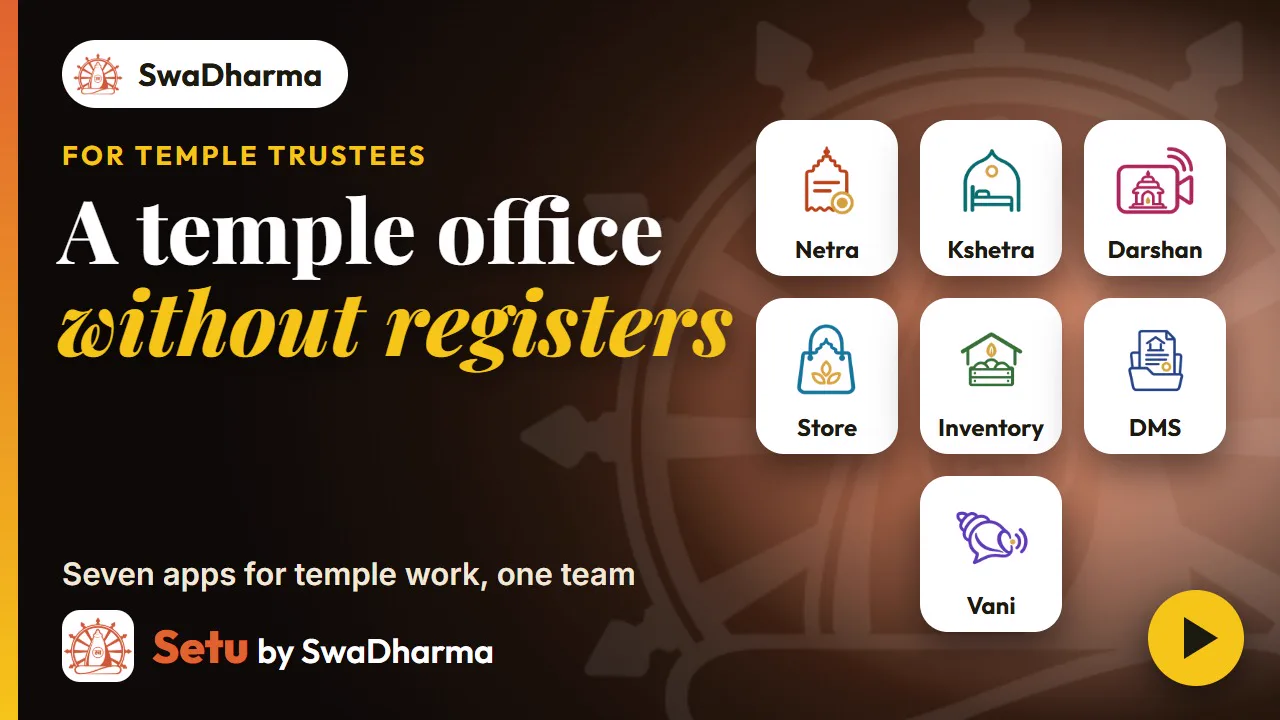
Setu: one family of temple apps
Seven apps, one job each, working together: a two-minute tour for trustees.
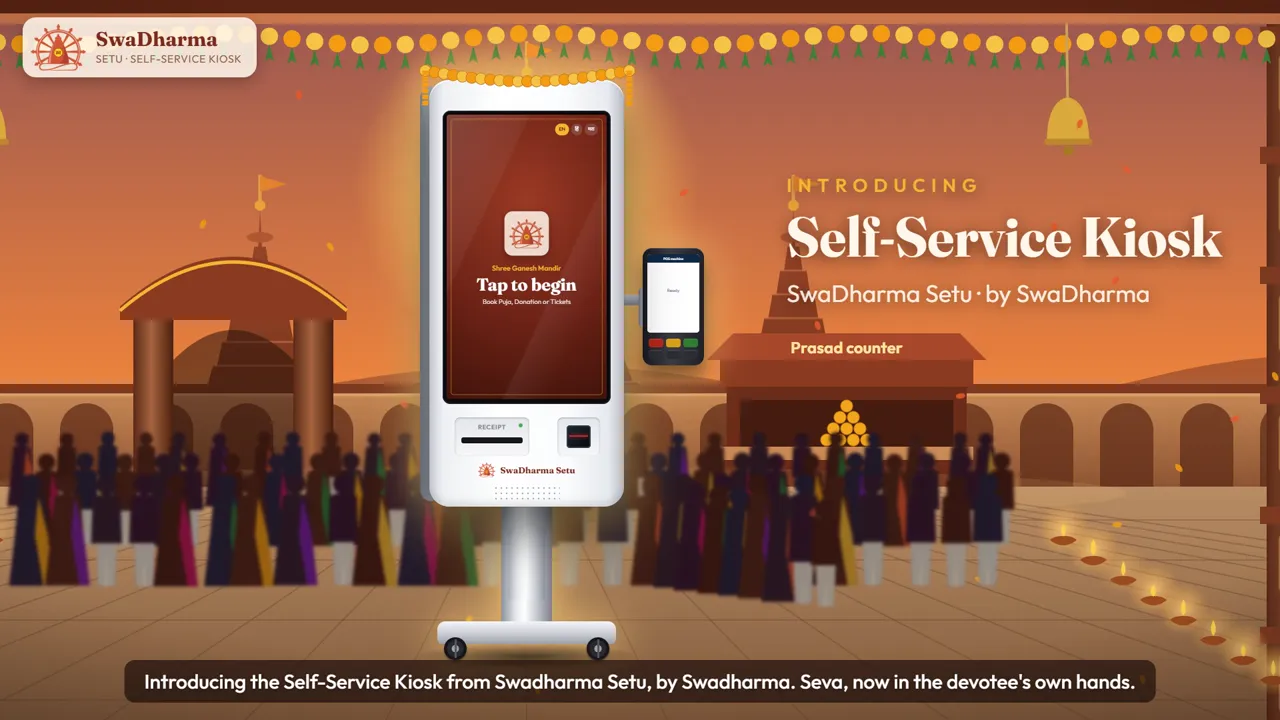
The self-service temple kiosk
A devotee books a puja, pays at the kiosk and collects a printed receipt with a token number.
See it with your own temple’s data
A 30-minute guided walkthrough with our team, on a sample of your own sevas, rooms, stores or properties.